Best Vertical Laptop Stands for Desks in 2026
Three upright storage options for small desks and external-monitor study setups.
Research checked
Make room for the work on your desk
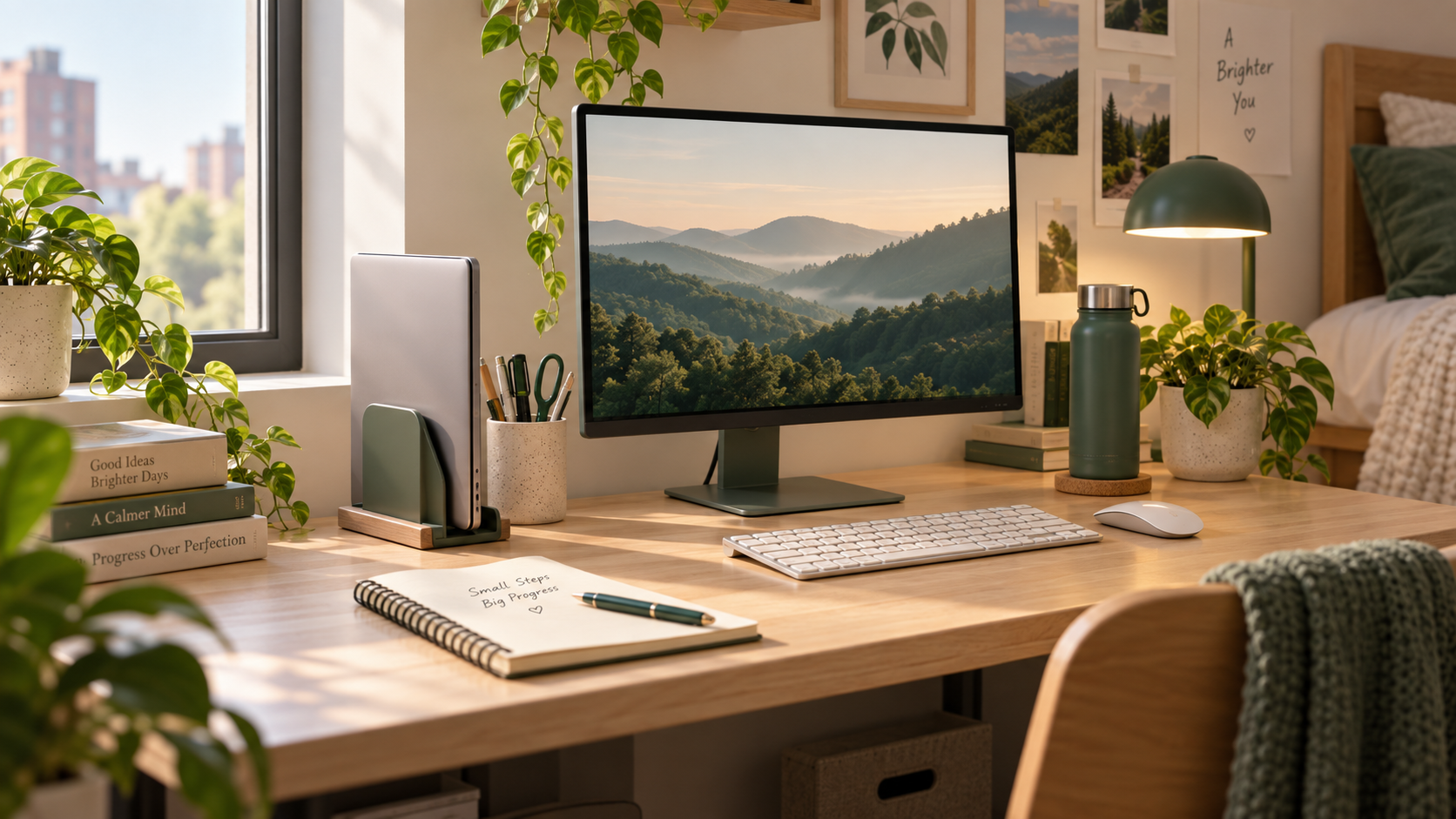
A closed laptop can still occupy the spot you need for a notebook or a stack of reading. A vertical laptop stand holds the computer upright, making it worth considering for a small student desk with an external monitor—or simply for storage between study sessions.
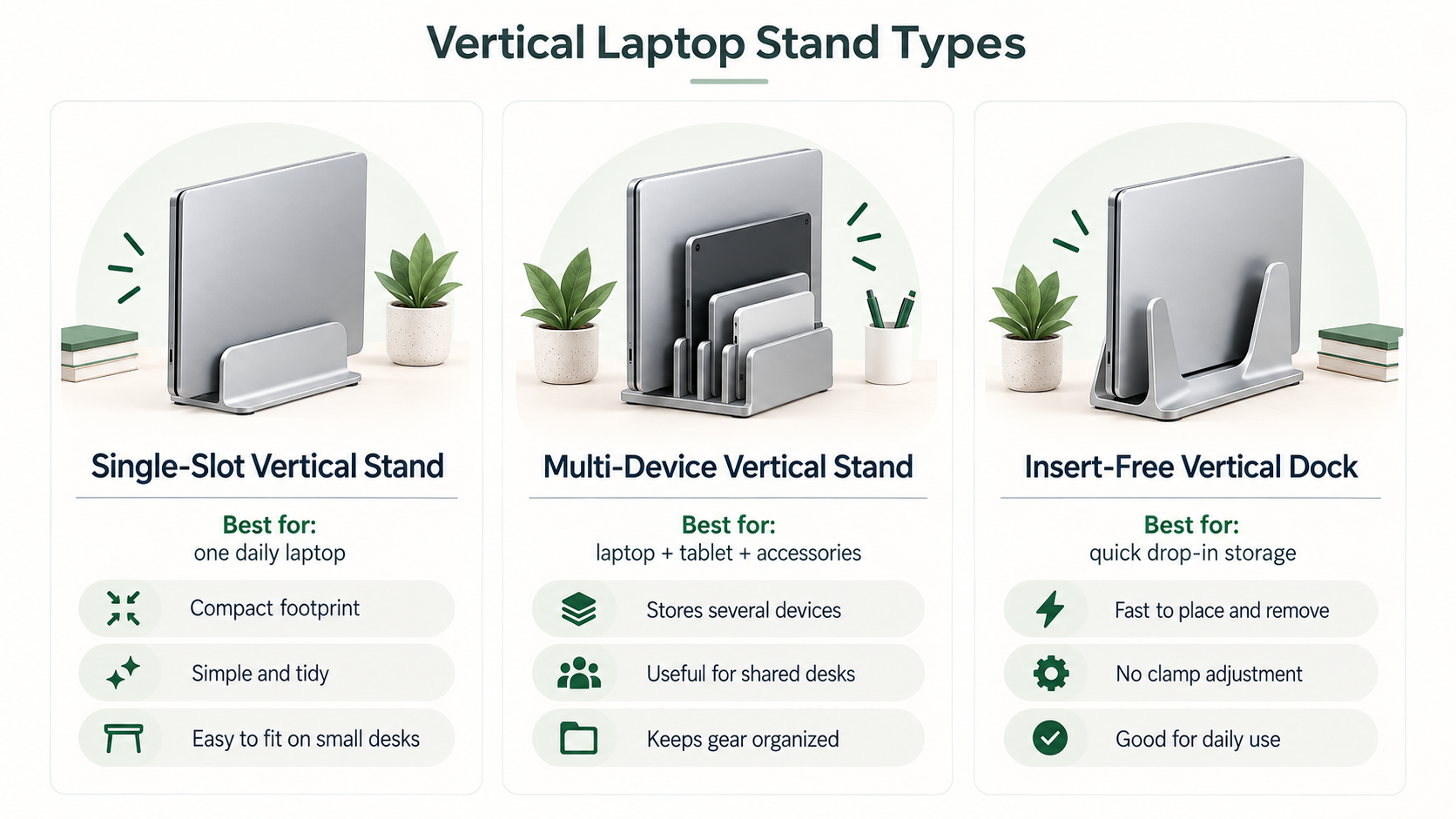
The right choice depends on how many devices you need to store and how they fit the holder. This guide compares three approaches: a manually adjustable single slot, a multi-slot organizer, and an insert-free support. Our picks are use-case recommendations within this shortlist, not a claim that one product is best for every desk.
If you use the laptop's own screen and keyboard throughout the day, start with our laptop stands for students guide instead. A vertical holder is not an open-laptop riser, and it does not add charging or display connections.
Quick Picks
Choose your use case · Jump to the details
How We Selected These Vertical Laptop Stands
We reviewed the linked manufacturer product pages on September 21, 2026, focusing on slot design, adjustment, stated compatibility, materials, and the desk arrangement each design suits. We have not personally tested these stands or measured grip strength, resistance to tipping, durability, or cooling performance.
We selected three different storage approaches to help students compare fit rather than choose by review counts or promotional claims. Missing measurements stay omitted. Where source information conflicts, we identify the uncertainty rather than treating the broadest compatibility claim as verified.
UGREEN already appears in our student guide; its existing research record and approved affiliate link are reused here. The source date in its product card belongs to that earlier record. We revisited its manufacturer page for this guide without replacing the original research notes. Product specifications and purchase terms can change, so confirm the exact version before ordering.
Quick Comparison
For these stands, “adjustable” refers to how the holder fits the laptop, not to raising its screen. Portability describes the format; none of our recommendations depends on carrying the holder to class.
Swipe across the table to compare all five columns.
| Product | Best for | Adjustable | Portable | Space-saving approach |
|---|---|---|---|---|
| UGREEN Vertical | One-laptop desks | Manual slot width | Freestanding desk holder | One closed laptop upright |
| OMOTON Three-Slot | Multiple-device storage | Manual slot width | Desk organizer | Three upright storage slots |
| BookArc Flex | Insert-free setup | Weight-responsive support | Freestanding desk holder | One closed laptop in an arc support |
Our picks for upright laptop storage
UGREEN
UGREEN Vertical Laptop Stand
Best for: One-laptop desksA straightforward starting point for a desk with one closed laptop.
Why it stands out
UGREEN is our starting point for a desk with one closed laptop. Its manually adjusted slot lets you set the opening for your device rather than choose a separate insert. UGREEN's product page specifies a thickness range of 0.5–1 inch for SKU 20471.
Measure with your case attached, and leave space for cables on the side you intend to face outward. This is a practical choice when your monitor and input devices are already in place; it is less relevant if you need the built-in screen for reading alongside another display.
Pros
- Adjustable slot
- Silicone contact padding
Cons
- One laptop position
- Measure the laptop with its case before buying
Key specs from the research
Manufacturer / retailer specifications; not personally tested. Unavailable fields are omitted.
- Upright laptop storage
- Adjustable slot width
- Silicone contact padding
Best fit: Students who already use an external display and want more room for written work.
OMOTON
OMOTON Vertical Laptop Stand — Updated 3-Slots Version
Best for: Multiple-device storageA shared storage point for a desk that needs more than one slot.
Why it stands out
OMOTON's updated three-slot version is our multi-device option. The manufacturer's listing describes adjustable width and protective mats.
Choose this format when several devices actually need storage. Extra slots offer little benefit if they take the place of the notebook you use every day. Confirm the base footprint and each slot's fit before buying.
Pros
- Three-slot layout
- Adjustable width and silicone mats
Cons
- Confirm each device fits the intended slot
- Base dimensions were not confirmed in the reviewed text
Key specs from the research
Manufacturer / retailer specifications; not personally tested. Unavailable fields are omitted.
- Compatibility
- Manufacturer states adjustable notebook thickness up to 1.37 inches; verify fit for each device.
- Material
- Anodized aluminum with silicone mats
- Three-slot design
- Adjustable width
Best fit: A shared study desk where several devices need a place between sessions.
Twelve South
Twelve South BookArc Flex
Best for: Insert-free setupAn insert-free alternative, subject to confirming your exact laptop fits.
Why it stands out
BookArc Flex is the insert-free option. Twelve South's page contains conflicting compatibility and purchase-policy information; the cautions below are part of this recommendation, not details to skip.
For a student setting up one regular study station, the decision is whether this support style suits the device you already own. Confirm that fit before arranging the stand behind a monitor or somewhere difficult to reach. If the manufacturer cannot confirm your model, choose an option with an explicit supported fit instead of treating the broader claim as a guarantee.
Pros
- No separate sizing inserts
- Aluminum design
Cons
- Manufacturer lists conflicting 14-inch and 16-inch limits
- Reviewed listing carries a clearance return/warranty exclusion
Key specs from the research
Manufacturer / retailer specifications; not personally tested. Unavailable fields are omitted.
- Compatibility
- Confirm exact model: the manufacturer page conflicts between 14-inch and 16-inch screen limits and describes an approximately 1-inch thickness limit.
- Dimensions
- 8.43 × 3.6 × 2.2 inches (L × W × H; manufacturer)
- Weight
- 0.53 lb (manufacturer)
- Material
- Aluminum
- Uses laptop weight to engage supports
- No separate sizing inserts
Best fit: Students who prefer this support design and have confirmed compatibility and purchase terms.
How to choose a vertical laptop stand
Measure thickness, not just the screen
A screen-size claim does not tell you whether the holder fits around the body of your laptop. Measure its closed thickness at the contact area, including any shell or case. Compare that measurement with the exact stand's supported range. A similar-looking model from the same brand may use a different slot.
Check how the laptop rests against the padding and whether the stand touches a hinge, port, or vent. Do not force a device into a tight holder. If the fit is uncertain, ask the manufacturer about your specific model before purchasing.
Count the devices you actually store
For one laptop, a single-device holder keeps the decision straightforward. A multi-slot organizer makes more sense when you regularly park more than one device. Plan for the complete arrangement, including gaps between devices and the cables connected to them—not just the stand's base.
Plan the external-monitor setup first
These products are physical holders. Using a laptop while closed requires a display connection, suitable input devices, and support for that mode on your computer. Power requirements and settings vary by model and operating system; follow the laptop manufacturer's instructions.
Include any missing monitor, keyboard, mouse, adapter, or dock in the cost of the setup. If those purchases are not part of your plan, a vertical stand can still be useful for storage, but it will not replace your usual open-laptop workspace.
Leave room for cables and ventilation
Choose an orientation that keeps ports reachable and cables from pulling across a walkway or the edge of your desk. Leave vents unobstructed and follow the computer manufacturer's placement guidance. We have not tested whether any of these stands changes operating temperatures.
When you receive a stand, check the fit on a level, stable surface before arranging the rest of the desk around it. Inspect the contact areas and account for accidental bumps in a shared room. A manufacturer's stability claim is not a substitute for checking your own setup.
Frequently asked questions
Is a vertical laptop stand the same as a docking station?
No. The holders in this guide support the laptop physically. They do not provide the electrical connections or charging functions of a dock. You may use a separate dock with a compatible laptop, but that is a different purchase.
Can I use a vertical stand without an external monitor?
Yes, for storing a closed laptop when you are not working on it. If you want to use the laptop's own screen and keyboard, take it out and open it normally. An open-laptop riser is the more relevant design for that workflow.
Can a laptop with a case fit?
It depends on its total thickness and the holder's contact shape. Measure with the case fitted and check the exact product's limits. Do not assume a stand's screen-size compatibility includes every case or accessory.
Will a vertical stand improve cooling?
We have not tested that. Choose a holder for storage and fit, keep vents clear, and follow your laptop's guidance for closed-lid use. This guide does not promise cooling gains or recommend bypassing power or thermal settings.
Is a multi-slot stand always better for a small desk?
Only if you need the extra storage. The useful comparison is how much working space remains after all your devices and cables are in place. If you have one laptop, unused slots may not help you reclaim room for study materials.
Which stand fits your desk?
Start with UGREEN for a one-laptop setup, consider OMOTON when multiple devices need a shared home, and consider BookArc Flex when an insert-free design appeals and you can confirm fit and purchase terms. Keep your laptop model and desk layout ahead of the product label when deciding.
For other ways to organize a compact workspace, compare the options in our small-desk laptop stands and risers guide. A vertical holder is useful when it supports the way you already study—not simply because it occupies a different shape on the desk.